

AUTOOL EM385 · Touchscreen ECU Programming Power Supply & Battery Charger
Charge Lead-Acid and Lithium Batteries or Set DC Output
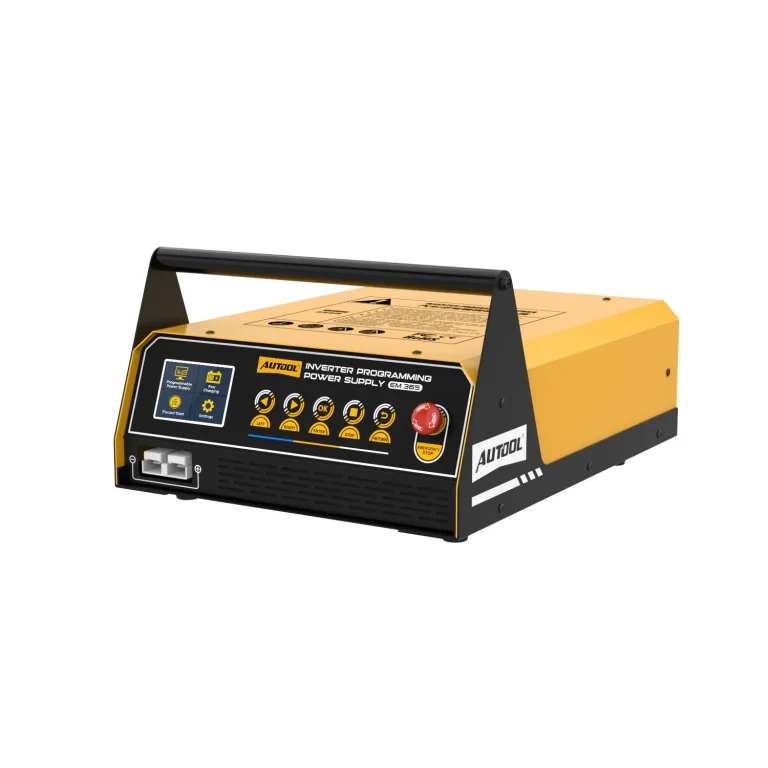
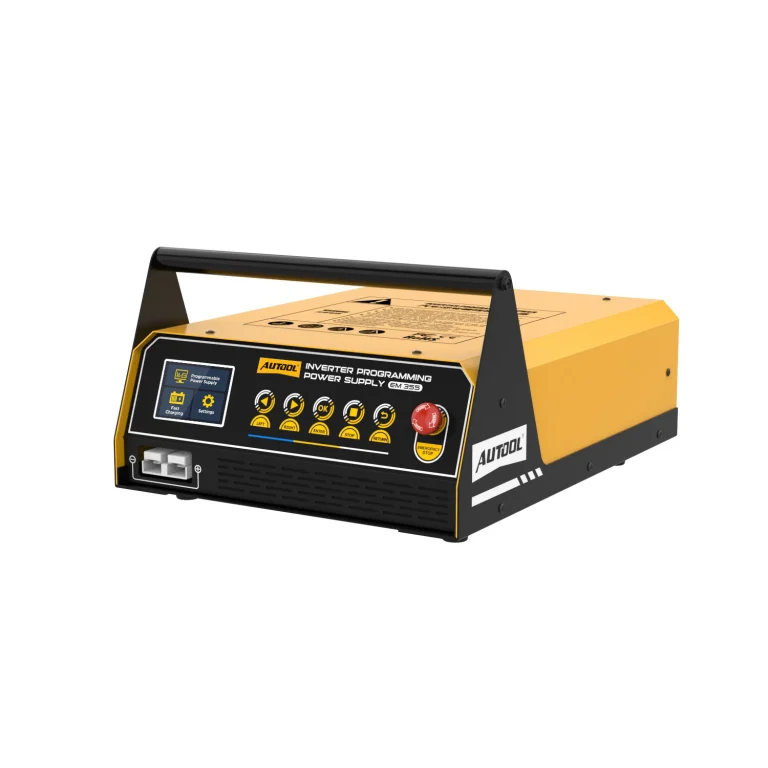
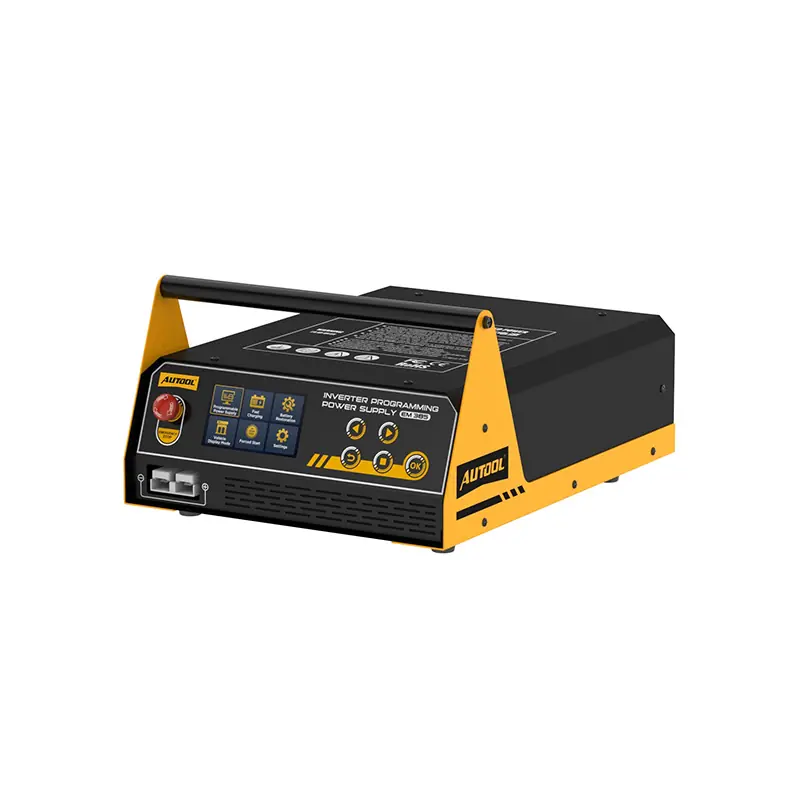
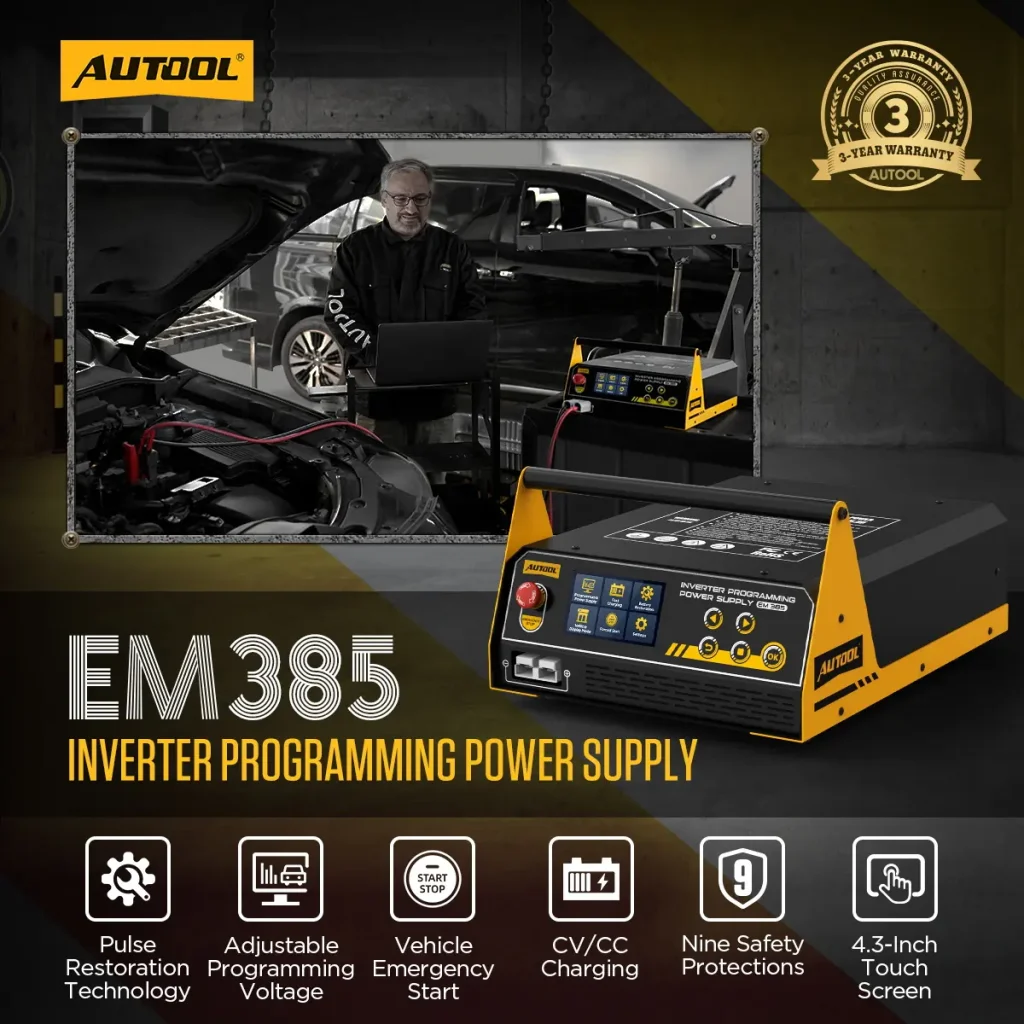
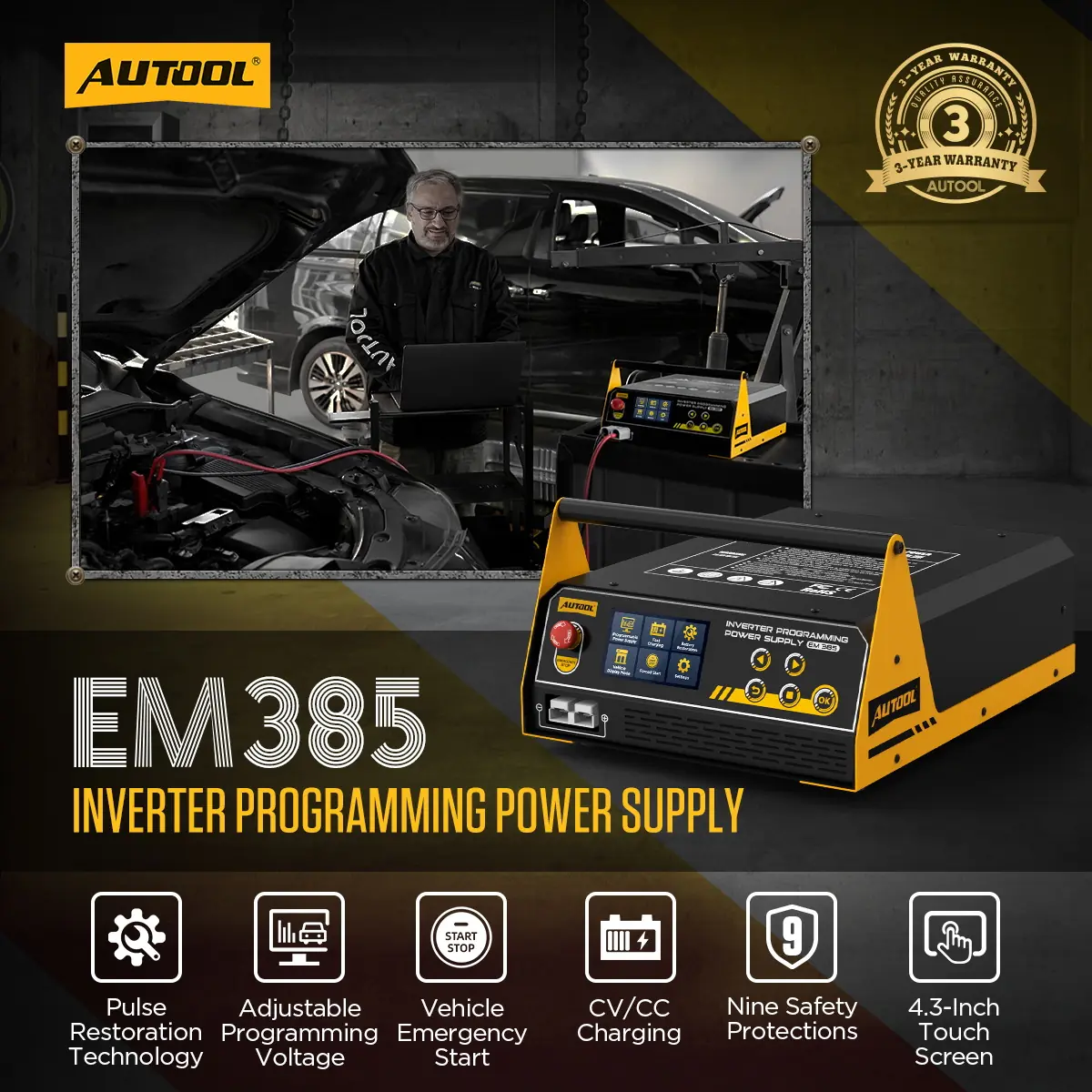
The AUTOOL EM385 combines ECU programming power support, lead-acid and lithium battery charging, battery restoration, vehicle display power, and momentary starting support. Its 4.3-inch touchscreen puts mode selection and output readings in view, while a separate adjustable power supply option lets you set voltage and current for compatible electrical equipment.
- 9–16 V Programming Supply
- Up to 150 A for About 3 Minutes
- Lead-Acid + Lithium Charging
- 3–16 V Adjustable DC Output
- 400 A Momentary Start
Key Features
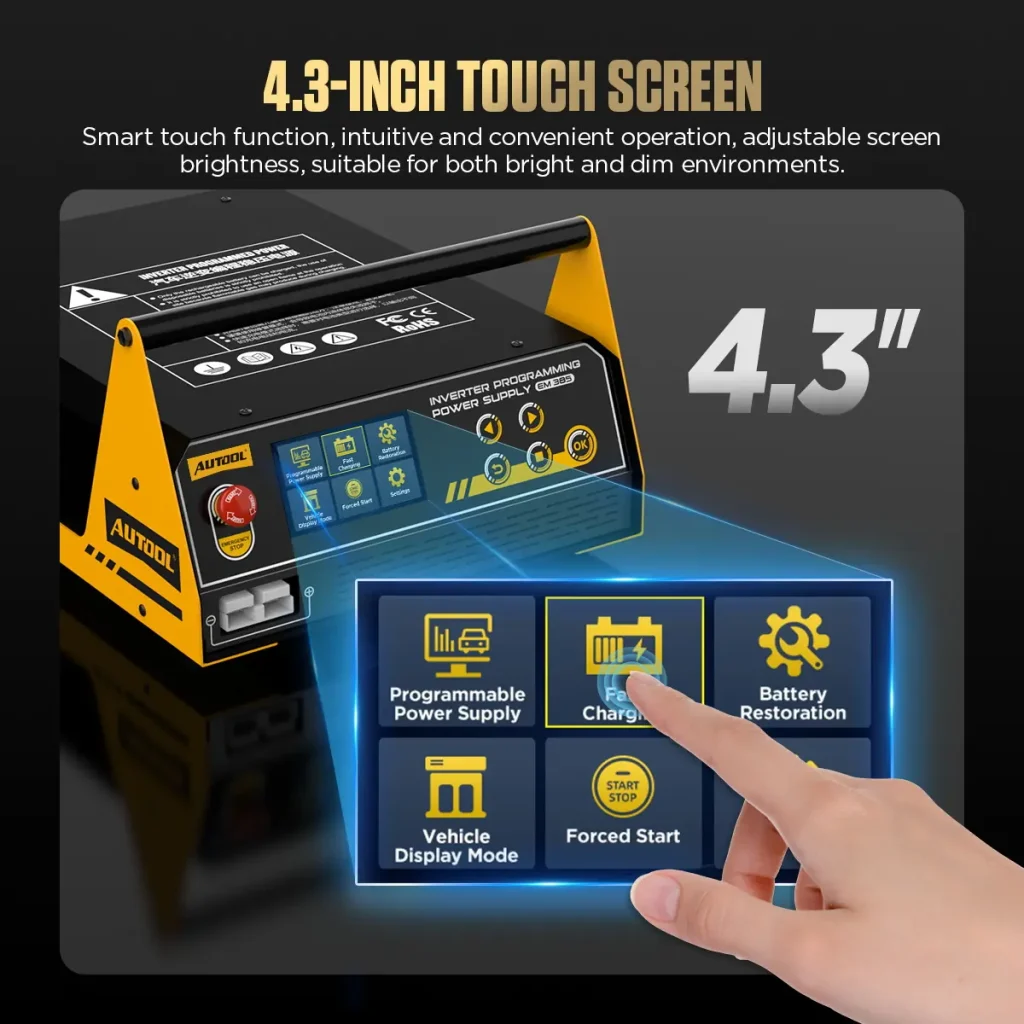
Control Programming Power, Charging and DC Output by Touchscreen
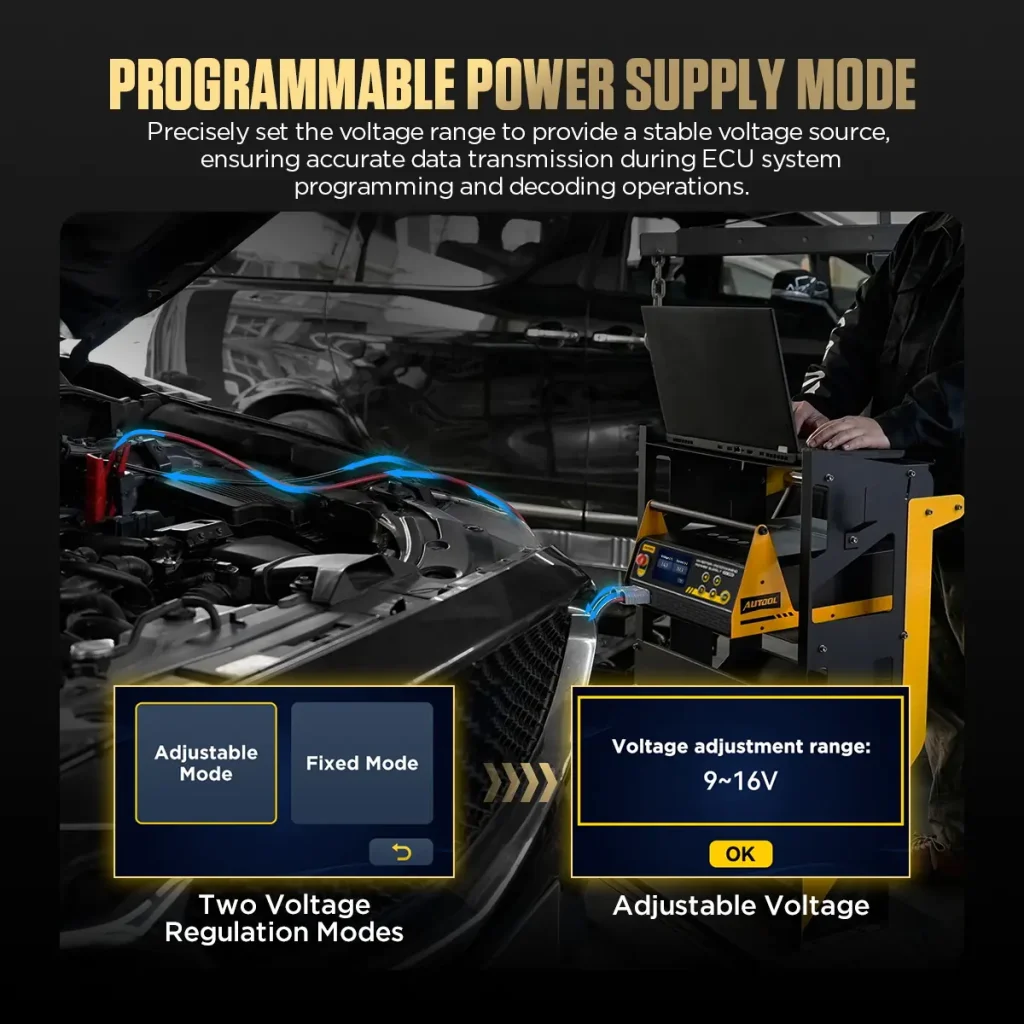
Adjust Programming Voltage From 9V To 16V
Select Adjustable Mode for 9V–16V programming power or Fixed Mode for 14V. Match output to the vehicle procedure and follow voltage and current on screen while using your separate programming equipment.
Programming Output With Live Readings
Programming Power Supply mode reaches up to 150A for approximately 3 minutes. Live voltage and current readings help you follow output during the job; thermal protection reduces available current as the unit heats up.
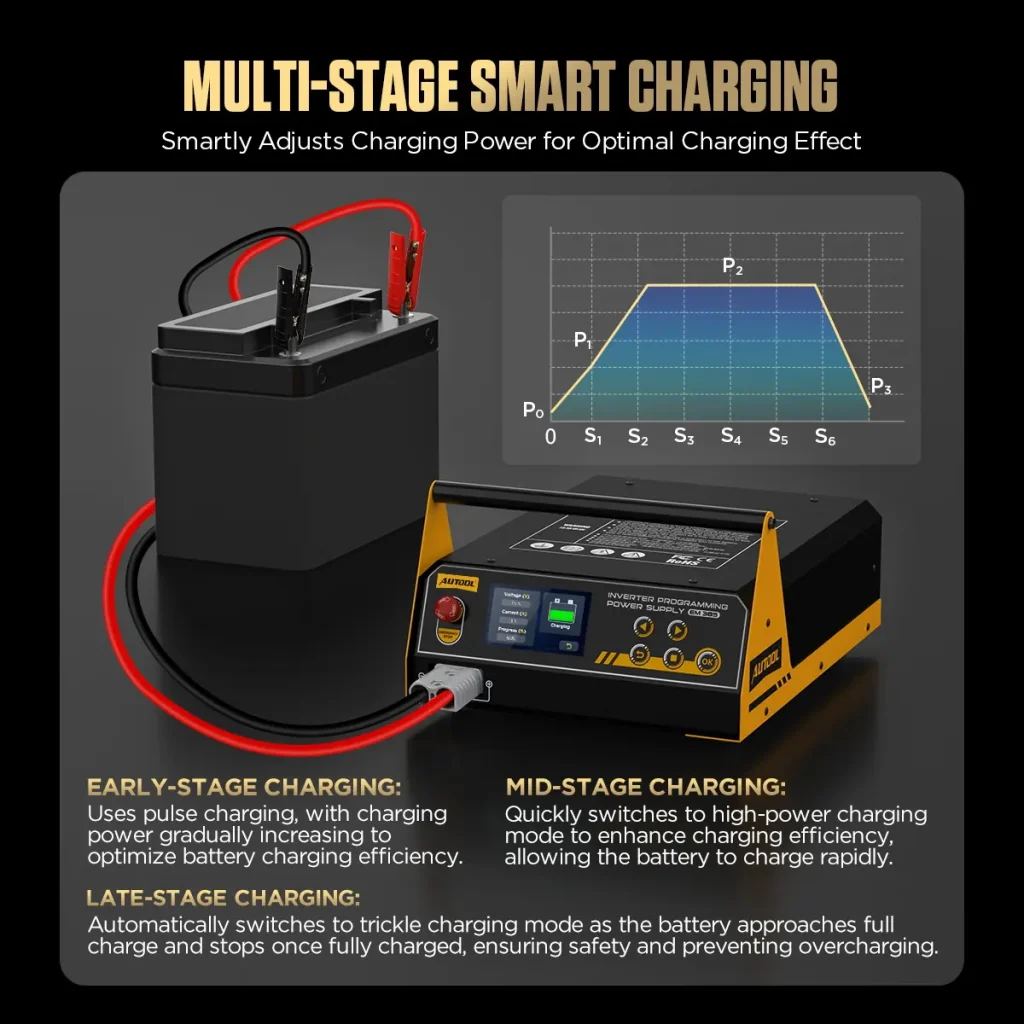
Lead-Acid Charging With Battery-Type Selection
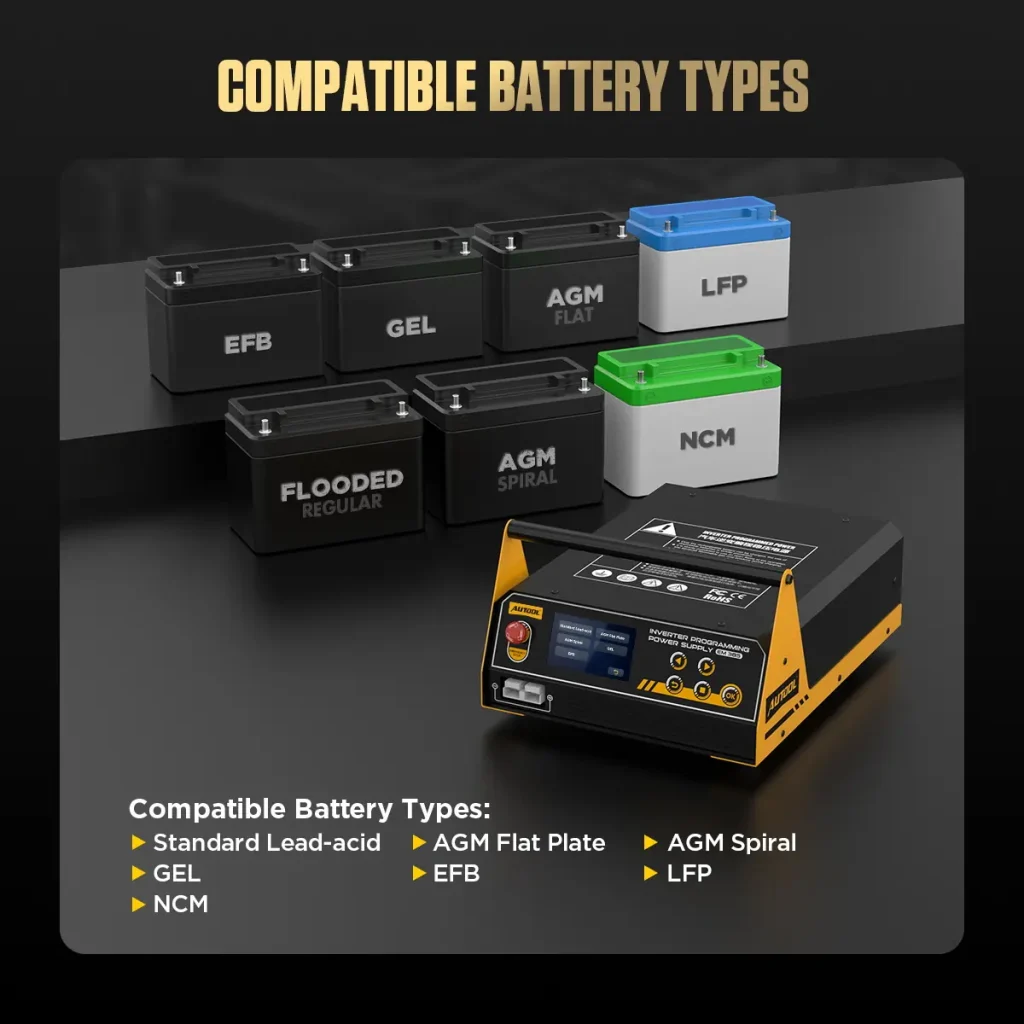
Choose In-car or External Charging and select standard lead-acid, AGM flat plate, AGM spiral, or GEL. EFB uses External Charging with the battery removed. The display shows voltage, current, progress, and charging completion.
LFP And NCM Lithium Battery Charging
Fast Charging includes a dedicated lithium charging option for LFP (LiFePO4) and NCM batteries, with up to 20A. Remove the battery from the vehicle and select its chemistry before starting.
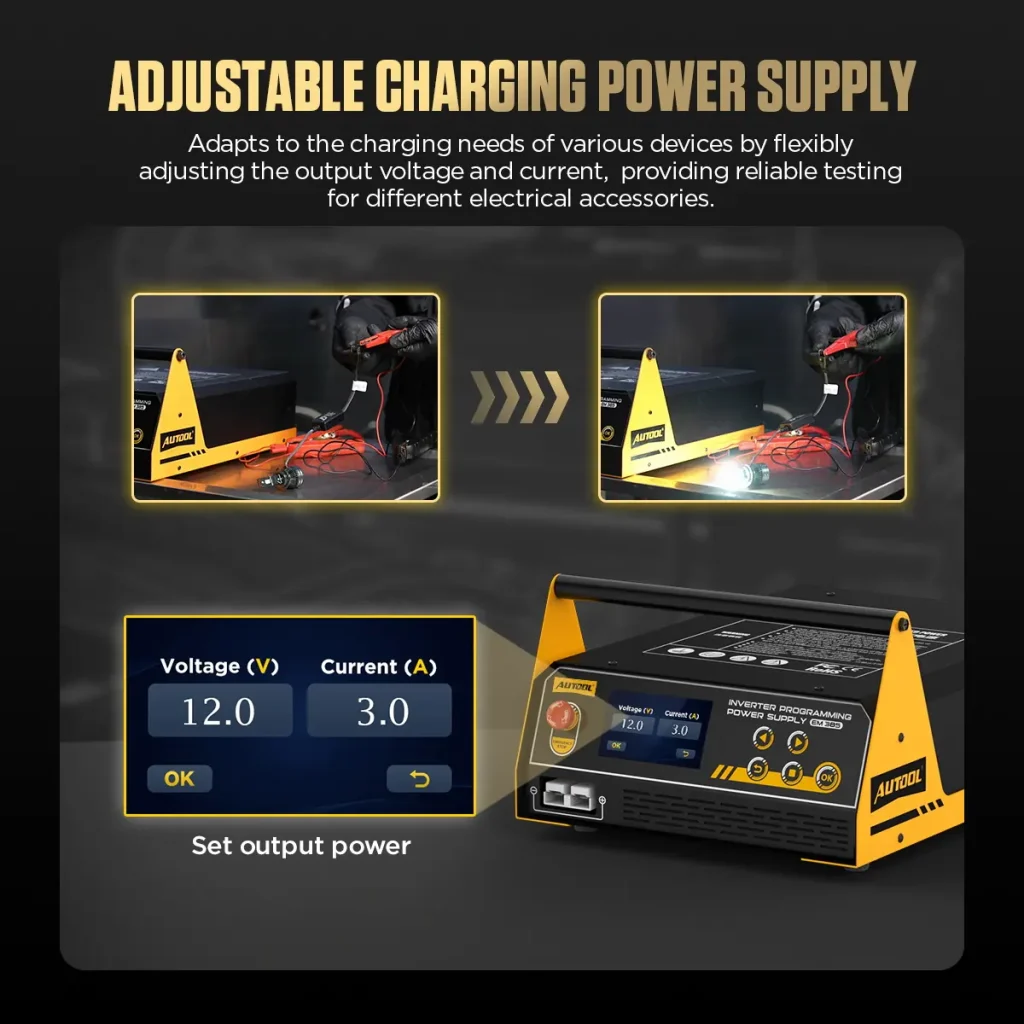
3–16 V Adjustable Equipment Supply
The separate Adjustable Power Supply option provides 3.0V–8.9V at 1A–20A or 9.0V–16.0V at 1A–100A. Set both values for the connected equipment. Thermal and power-duration limits apply to this mode.
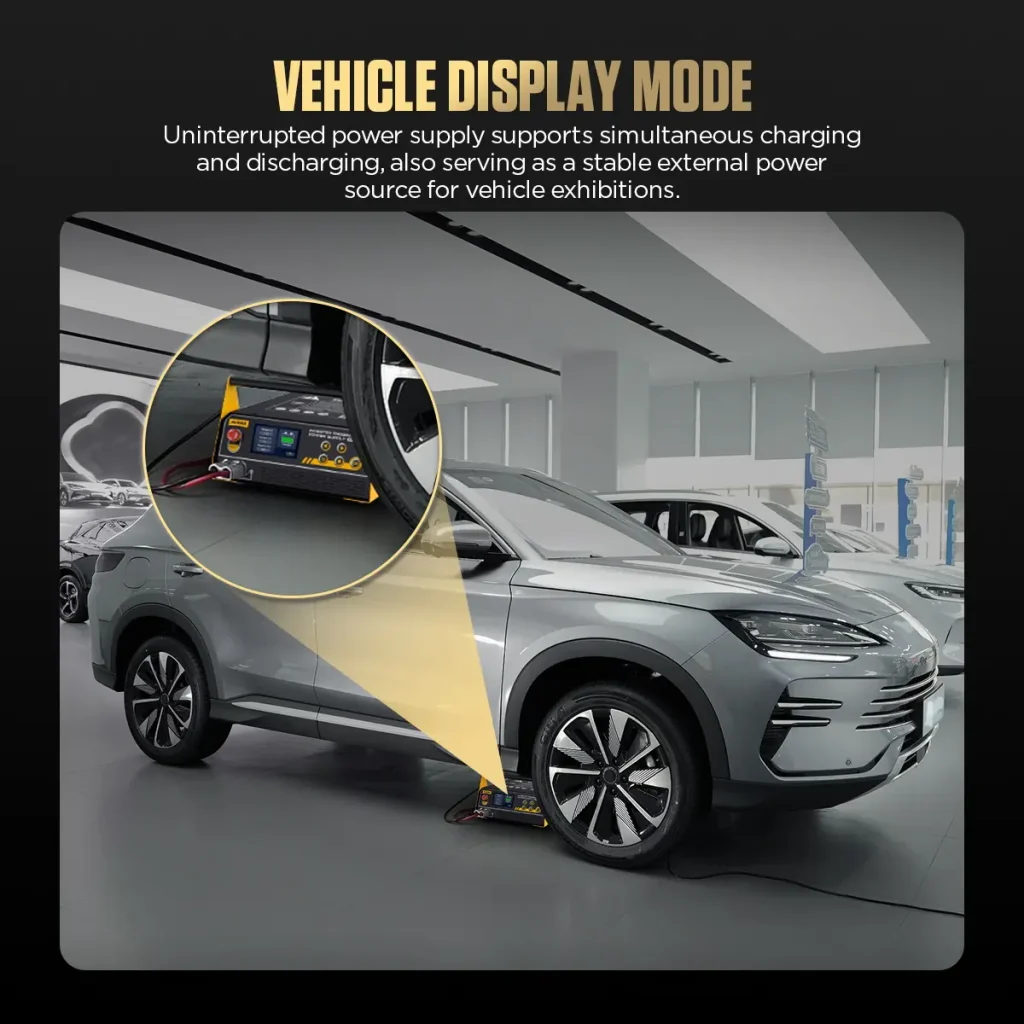
Vehicle Display Power That Responds To Load
Vehicle Display Mode maintains a float charge and increases output when battery discharge is detected, with up to 40A in this mode. This gives vehicle display work its own power-support setting.
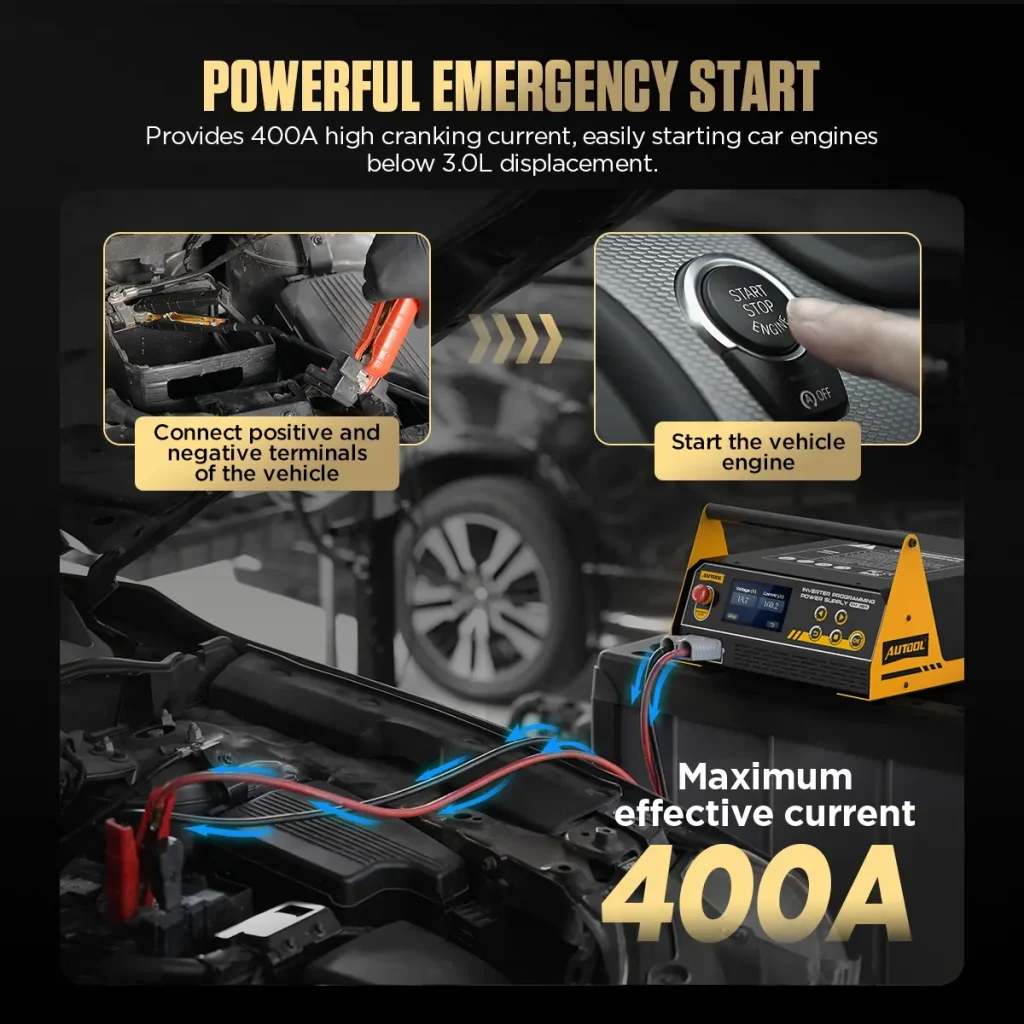
400A / 12V Momentary Starting Support
Forced Start provides momentary support for compatible vehicle starting requirements. Select the mode, confirm the prompts, and start the vehicle when the screen instructs you to do so.
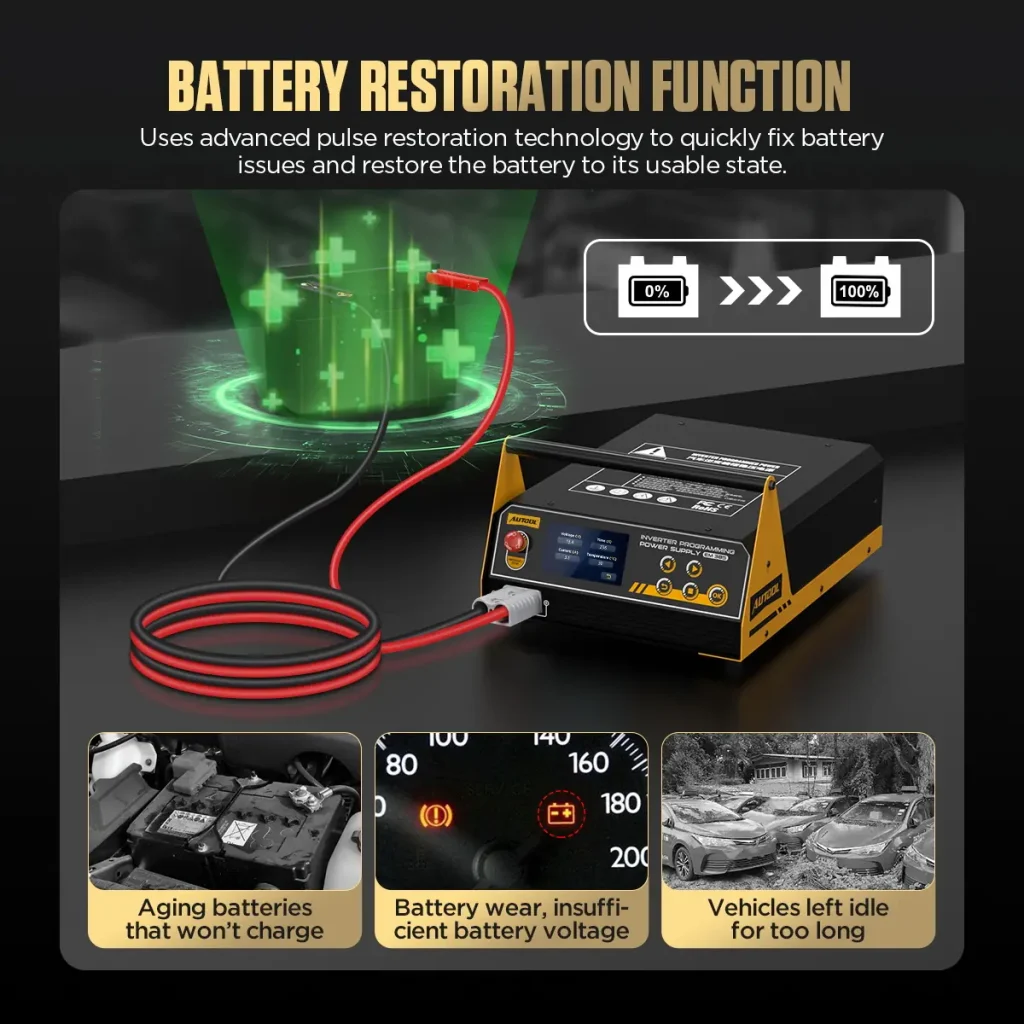
Battery Restoration For Battery Service
Battery Restoration provides a treatment option for discharged or long-idle lead-acid batteries. Remove the battery from the vehicle before use; results depend on battery condition and sulfation.
Touchscreen And Physical Button Control
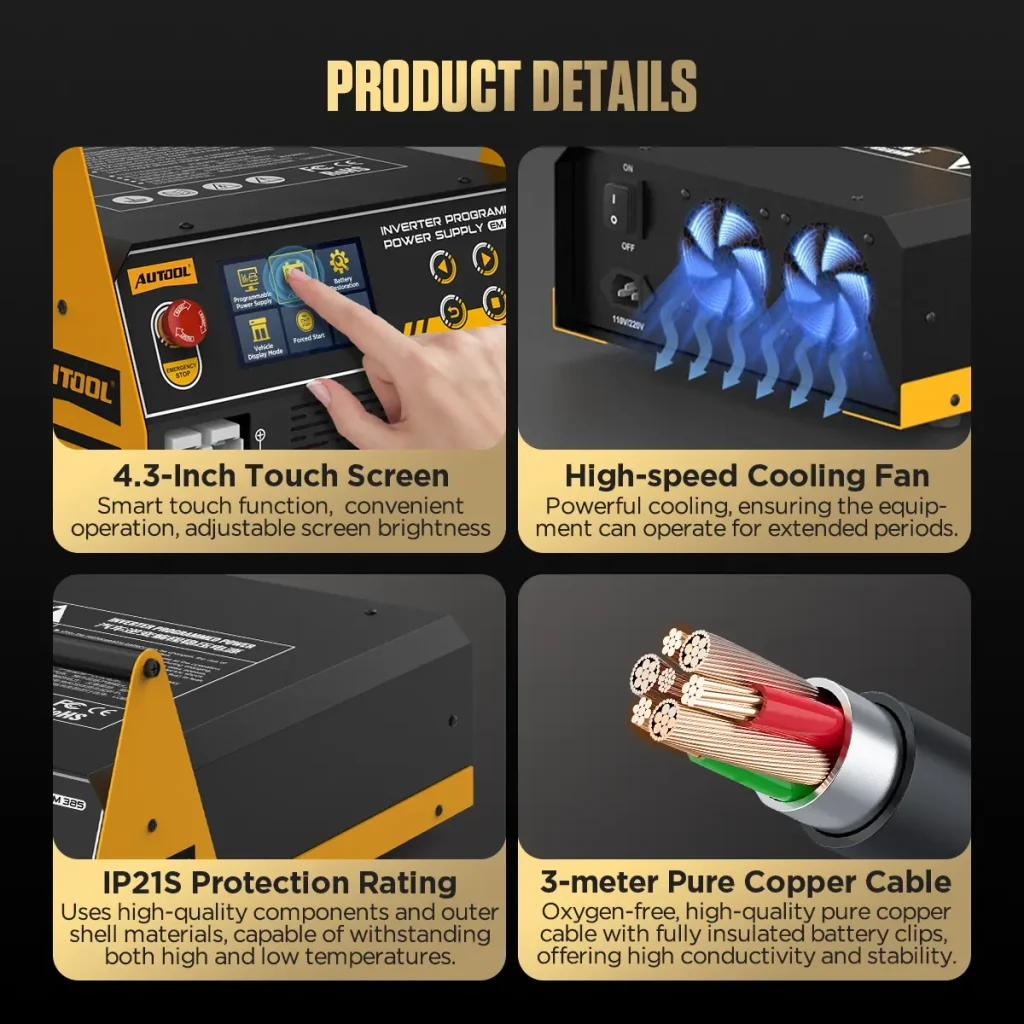
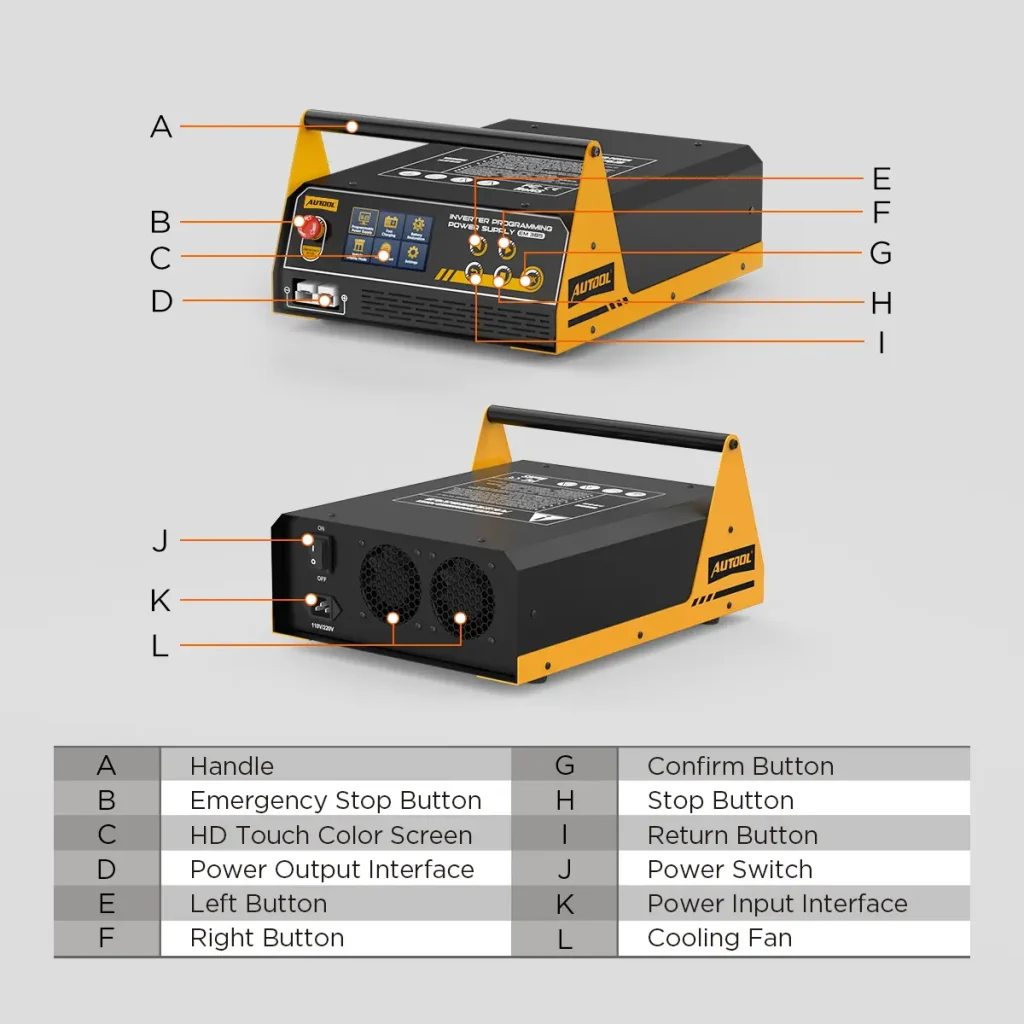
Use the 4.3-inch color touchscreen or the physical arrow and OK keys to select functions. Adjustable brightness and multilingual settings let operators adapt the display, with cooling and output protection built into the unit.
3 Years Warranty Support
Main unit: 3-year warranty. Standard accessories: 1-year warranty. Warranty Policy.
Safety & Compatibility
Match Battery Chemistry, Voltage and Task
Choose The Battery Type
Use the correct charging option for the battery label. EFB charging and Battery Restoration require the battery to be removed from the vehicle. Lithium charging also requires removal from the vehicle.
Match The Vehicle Procedure
For programming, start with a fully charged 12V battery and set the support voltage required by the vehicle procedure. Use the supplied manual to match the unit’s AC input version and connections.
Keep The Unit Ready To Work
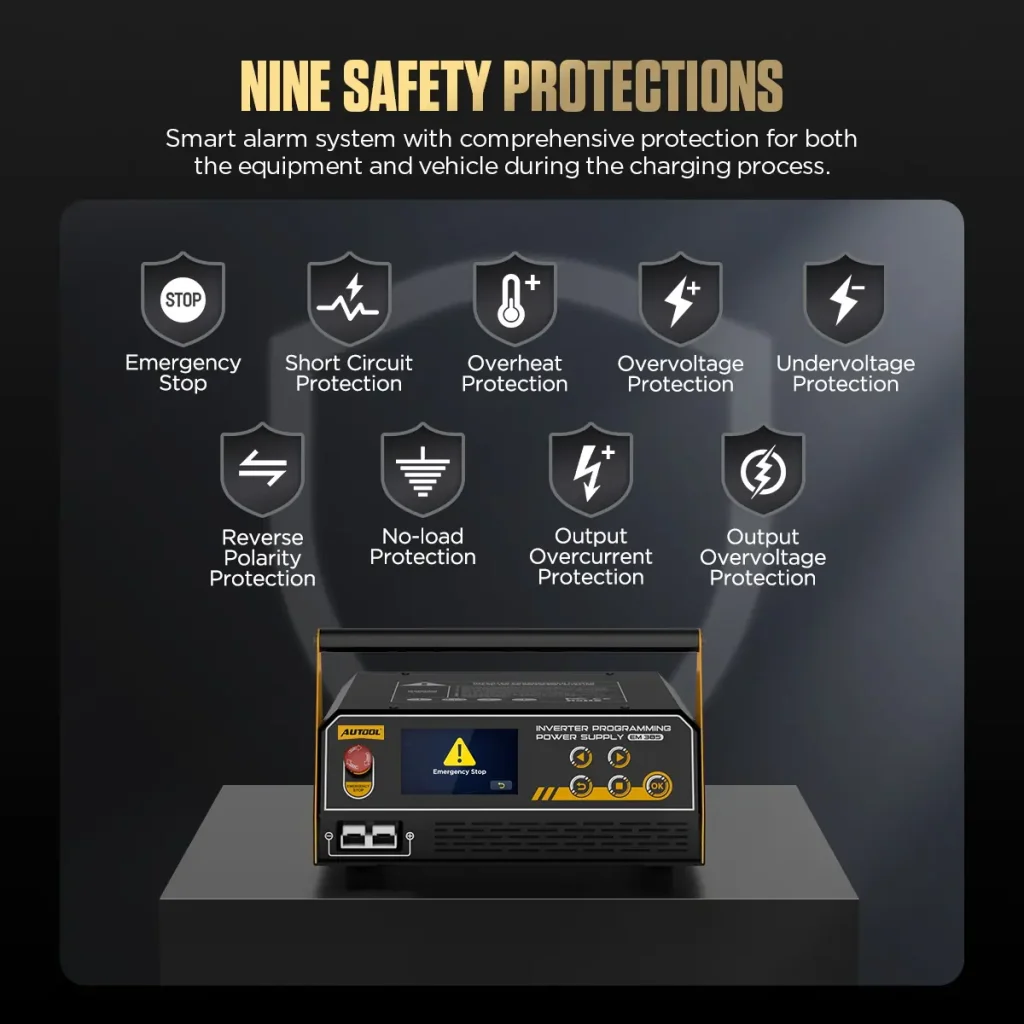
Keep ventilation openings clear and use the unit in a dry, ventilated location. Stop output before changing settings; when ending charging, stop charging before removing the clamps.
Verify Polarity and Clamp Contact
Connect the clamps with correct polarity on clean, secure terminals before enabling output; stop output before removing them.
Size the Programming Session
Confirm that the selected mode, voltage range and available output match the vehicle procedure and expected transient load for the full programming event.
Care and Maintenance
A few setup essentials for the selected task.
Specifications
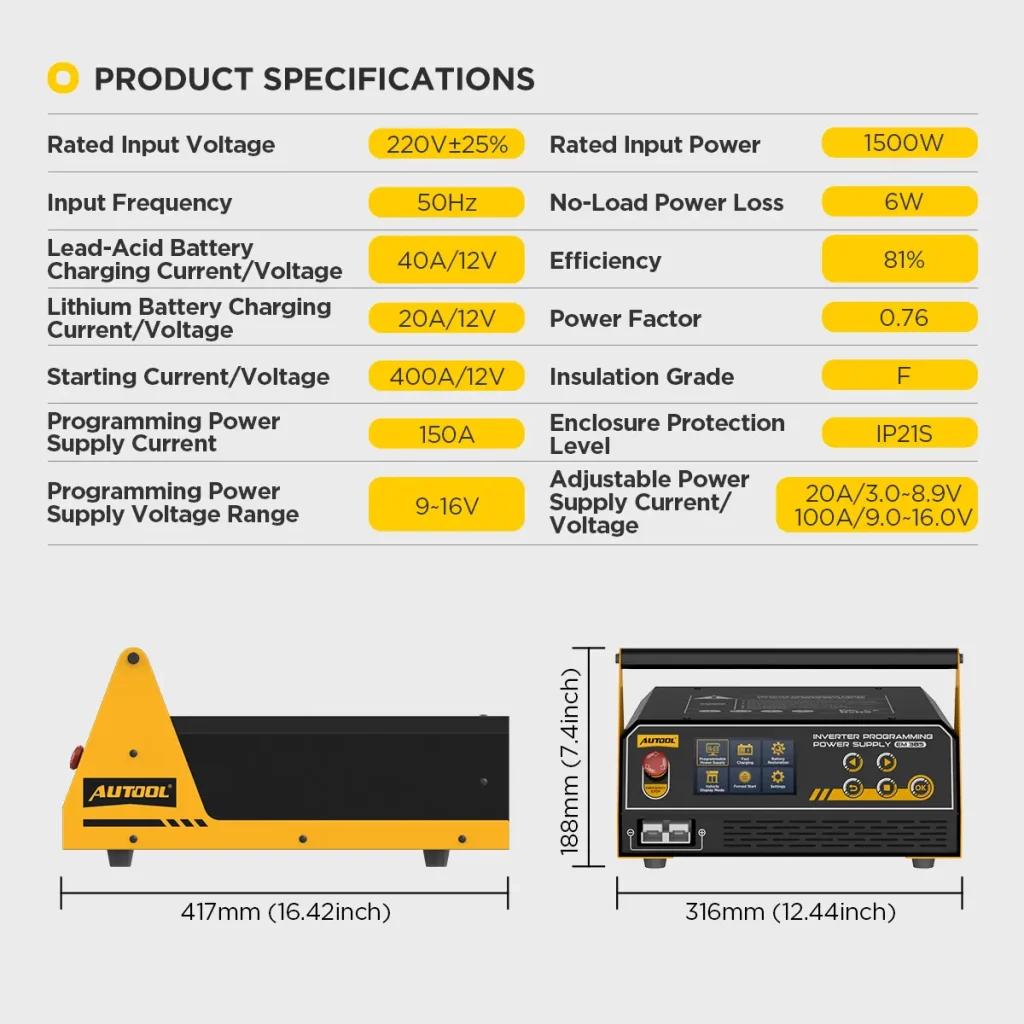
EM385 Specifications
| Power Input, Protection & Hardware | |
|---|---|
| AC Input Version | 110V or 220V version |
| Input Frequency | 50Hz/60Hz |
| High-Speed Cooling Fan | Yes |
| Output Protection | Reverse polarity; short circuit; overcurrent; temperature protection |
| Rated Input Power | 1500W |
| Enclosure Protection Level | IP21S |
| Insulation Level | F |
| Modes, Interface & Battery Support | |
| Interface Languages | Multilingual |
| Work Modes | Programming power; fast charging; battery restoration; vehicle display; forced start |
| Touch Screen | Yes |
| Screen Size | 4.3-inch |
| Multi-Level Intelligent Charging | Yes |
| Car Exhibition Mode | Yes |
| Battery Restoration Function | Yes |
| Charging Battery Types | Standard lead-acid; AGM flat plate; AGM spiral; GEL; EFB (external); LFP and NCM (removed from vehicle) |
| Programming & Output Ranges | |
| Separate Adjustable Power Supply | Yes |
| Adjustable Programming Voltage | Yes |
| Programming Voltage Range | 9V–16V |
| Lead-Acid Charging Current | Up to 40A in-car / 20A external |
| Lithium Charging Current | Up to 20A |
| Separate Adjustable Supply Range | 3V–8.9V / 1A–20A; 9V–16V / 1A–100A |
| Momentary Starting Support | 400A / 12V |
| Maximum Programming Current | Up to 150A / approx. 3 min |
Manual & Support
Confirm Power Mode and Battery Fit
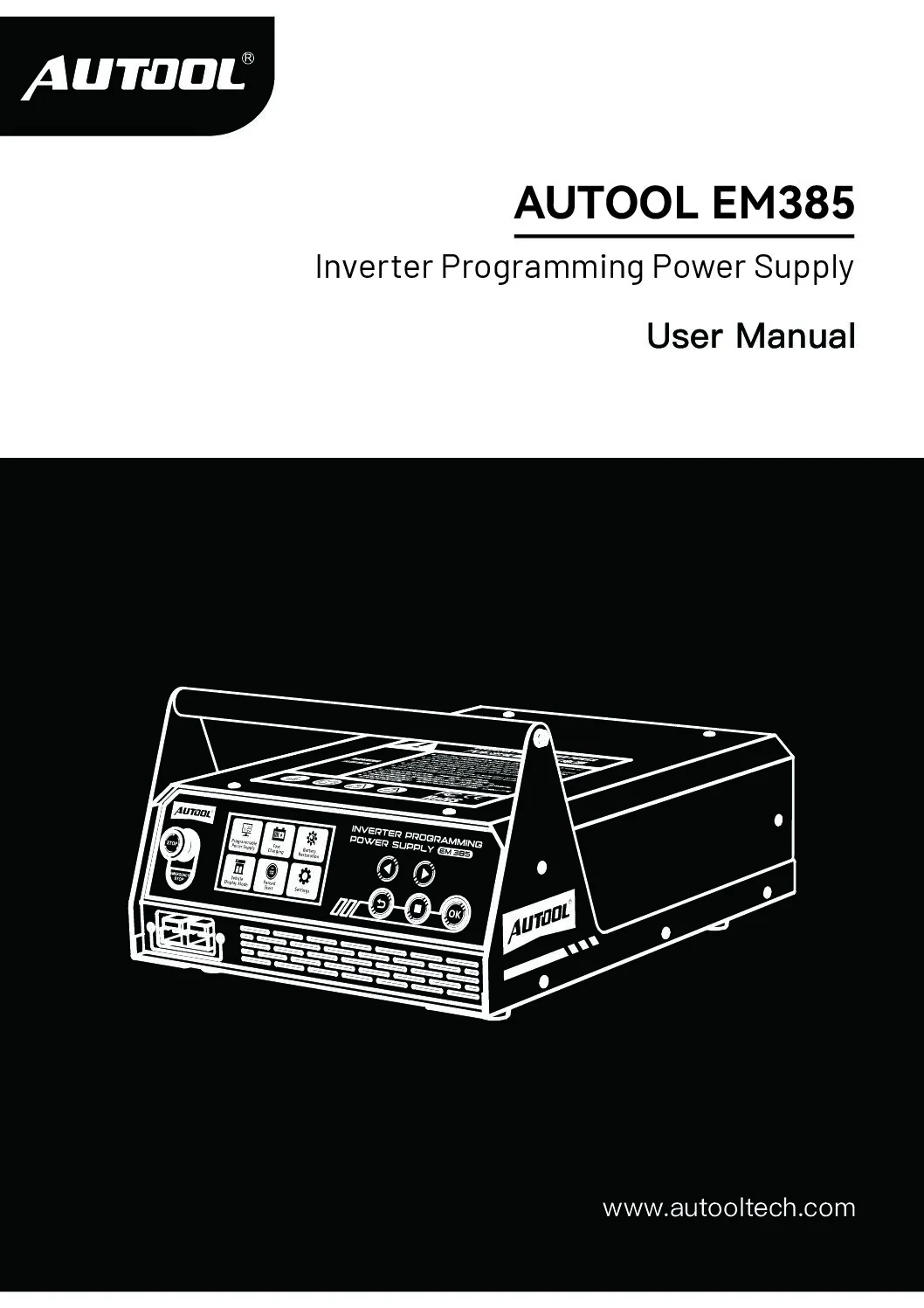
AUTOOL EM385 User Manual
Open the PDF manual for EM385 programming power, battery charging, adjustable DC output and touchscreen operation, with operating safety and troubleshooting support.
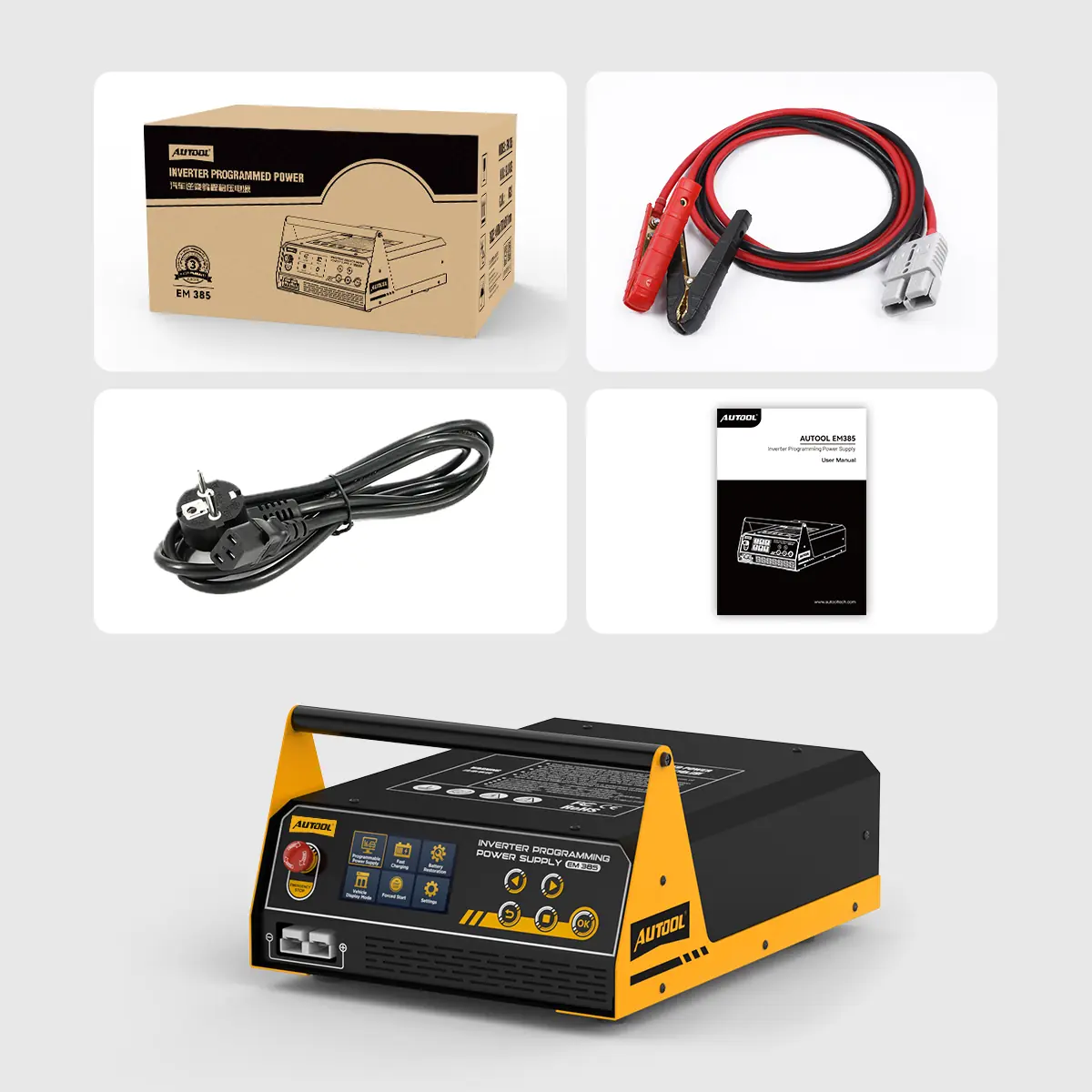
Package Contents
Check Cables and Included Accessories
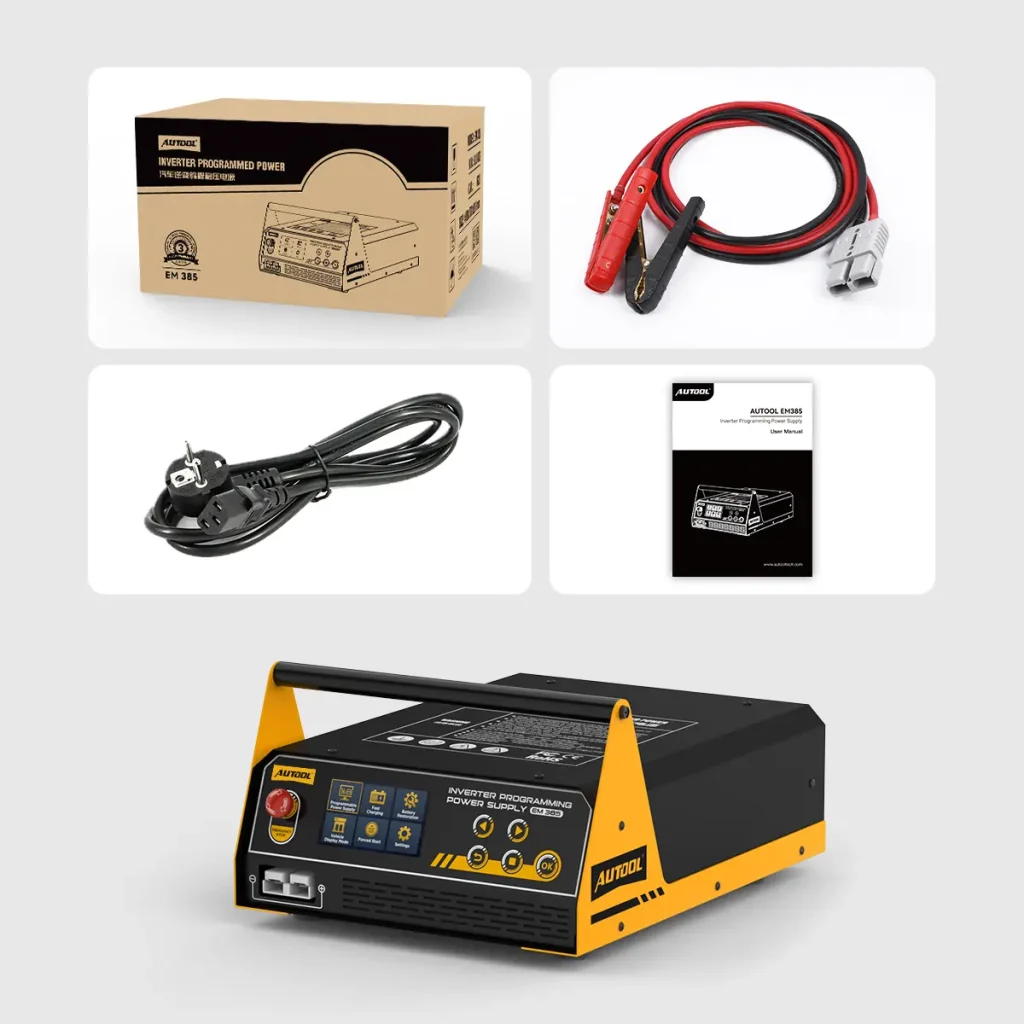
- Main UnitAUTOOL EM385 Auto Power Inverter ECU Programming Power Supply
- Battery Clamp CableIncluded
- Power CableIncluded
- User ManualIncluded
- Package BoxIncluded
- Included ComponentsThe packing list uses the most relevant package image only, showing the EM385 main unit, battery clamp cable, power cable, user manual, and package box.
FAQs
Programming-Power and Charging Questions
Does EM385 Program The ECU Itself?
EM385 supplies battery power support during ECU programming. You use separate programming or diagnostic equipment and follow the vehicle procedure to carry out the ECU work.
Why Use Programming Mode Instead Of Battery Charging?
Programming mode lets you choose a support voltage for the vehicle procedure. Battery Charging follows a charging process that adjusts output as the battery charges. Choose the mode for the job you are doing.
Which Programming Voltage Should I Select?
Use the voltage specified in the vehicle procedure. Adjustable Mode lets you select the required setting; Fixed Mode supplies 14V when that value is appropriate.
How Long Is The Maximum 150A Output Available?
The manual specifies up to 150A for approximately 3 minutes in programming mode. At an internal temperature of 70°C, maximum current is reduced to 50A; it returns to the maximum when the unit cools to 50°C. Match the job to its output and duration requirements.
How Do I Follow Battery Charging?
Select the correct battery type and charging location, then follow voltage, current, and charging progress on the screen. The unit indicates when charging is complete.
Can Battery Restoration Help A Long-Idle Battery?
It provides a treatment option for discharged or long-idle lead-acid batteries. Results depend on condition and sulfation. Use Battery Restoration with the battery removed from the vehicle.
Is The Adjustable Power Supply The Same As Programming Mode?
They are separate options. Programming mode offers 9V–16V adjustment or fixed 14V. Under Fast Charging, Adjustable Power Supply lets you set voltage and current: 3V–8.9V at 1A–20A or 9V–16V at 1A–100A. Output above 1200W for 3 minutes or internal temperature reaching 70°C triggers a 50A limit; cooling below 50°C restores the set current.
Which Lithium Batteries Can EM385 Charge?
The lithium charging option supports LFP (LiFePO4) and NCM batteries at up to 20A. Remove the battery from the vehicle and select the matching chemistry before charging.
What Are Vehicle Display And Forced Start Used For?
Vehicle Display Mode maintains a float charge and responds to vehicle battery discharge with up to 40A. Forced Start provides separate 400A/12V momentary starting support for compatible starting requirements.
Where Can I Check Accessories And Setup?
See Package Contents for the supplied items. Open Manual & Download for the model-specific guide to menus, connections, and operating instructions.
What Warranty Support Is Available?
Main unit: 3-year warranty. Standard accessories: 1-year warranty. Warranty Policy.